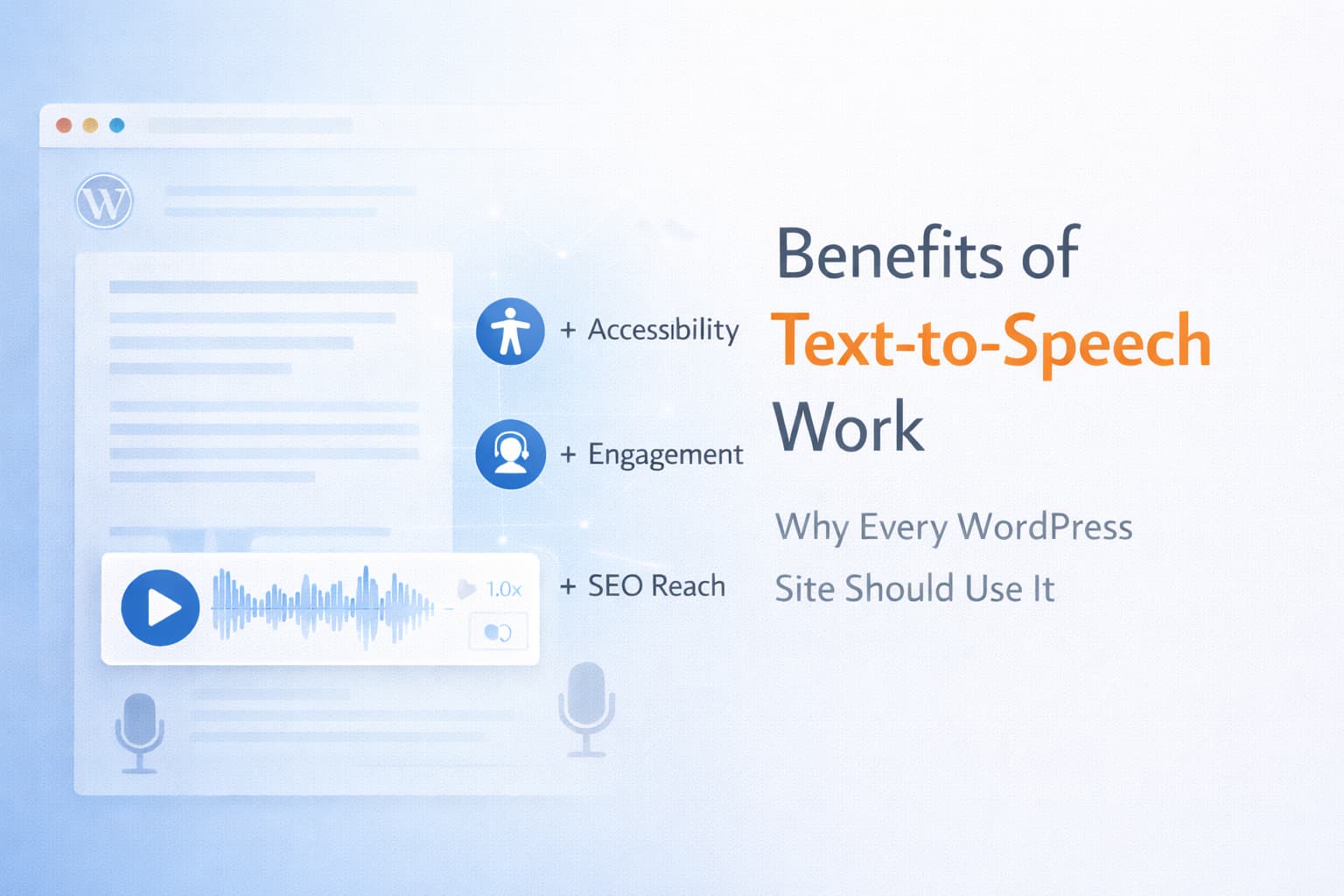
15 Benefits of Adding Text to Speech to Your WordPress Website in 2026
If you have seen a “listen” button on a website before, it may have looked like a small convenience feature. On a serious WordPress site, though, text to speech can do much more than that.
It can make content easier to access, easier to consume on mobile, easier to reuse across formats, and easier to scale into a more modern publishing experience. That matters for blogs, publishers, educators, membership sites, agencies, and any business that wants its content to work harder.
In this guide, we will look at 15 practical benefits of adding text to speech to a WordPress website, where those benefits matter most, and what separates a basic audio button from a higher-quality plugin experience like Reinvent WP Text to Speech.
Quick Answer
The biggest benefits of text to speech on WordPress are:
- better accessibility for more users
- easier content consumption on mobile and while multitasking
- longer usefulness for long-form content
- more flexibility for multilingual and educational sites
- a better overall content experience when the player is implemented well
For site owners, the key is not just adding audio. It is adding audio in a way that feels polished, performant, and native to WordPress. That is where a plugin like Reinvent WP Text to Speech becomes much more valuable than a bare-minimum player.
Why Text to Speech Matters More Than It Used To
Web accessibility has always mattered, but the expectations around content experience are now broader. Users want more flexibility in how they consume information. Some prefer reading. Some prefer listening. Many switch between the two depending on device, context, and energy level.
The W3C Web Accessibility Initiative frames accessibility as essential for some and useful for all. That is a helpful lens for text to speech on WordPress. It can remove friction for users with disabilities while also improving the experience for a much wider audience.
That makes TTS both an accessibility upgrade and a publishing upgrade.
15 Benefits of Text to Speech for WordPress Websites
1. It improves accessibility for users who struggle with screen-based reading
Some visitors have visual impairments. Others deal with dyslexia, reading fatigue, or cognitive overload. Text to speech gives them another way to access content without forcing every visitor into the same reading pattern.
That does not replace broader accessibility work, but it can make written content much easier to consume.
2. It gives your content a useful “listen instead of read” option
Not every user wants to sit and read a full article from top to bottom. Some would rather press play and listen while working, walking, or taking a break from the screen.
This is especially valuable for long articles, tutorials, documentation, and educational pages.
3. It helps users stay engaged with long-form content
Many WordPress sites publish content that is worth reading but difficult to finish in one sitting. Audio can reduce that friction.
When visitors can alternate between reading and listening, long-form content becomes easier to finish and more likely to hold attention.
4. It makes mobile content consumption easier
Reading on mobile is not always comfortable, especially for dense articles or long technical pages. Text to speech lets users keep up with the content while moving through their day, rather than waiting until they are back at a laptop.
That makes TTS especially useful for modern audiences who discover and revisit content from their phones.
5. It supports people who are multitasking
A lot of website use does not happen in ideal reading conditions. People check articles while commuting, doing chores, studying, or switching between tasks.
Text to speech adds flexibility. Your content can stay useful even when full visual attention is not available.
6. It improves the learning experience on educational sites
Courses, tutorials, explainers, and knowledge-base content are easier to absorb when users can hear the material while following along.
This is one reason text highlighting matters so much. Reinvent WP Text to Speech supports synchronized sentence and word highlighting, which creates a stronger read-and-listen experience than a generic play button.
7. It helps language learners and non-native readers
Written text alone does not always communicate pacing, pronunciation, or emphasis clearly. Audio can help users understand the content more naturally, especially when your site serves international audiences.
For multilingual WordPress sites, this can be a practical UX advantage rather than just a nice extra feature.
8. It reduces screen fatigue
Many users spend most of their day looking at screens. Even when they want your content, they may not want more visual strain.
Offering a listening option gives them a lower-friction way to keep consuming your content without abandoning it.
9. It can make high-value content feel more premium
The experience of your content matters. A polished audio layer can make a site feel more modern, more intentional, and more useful.
That is especially true when the voices sound natural, the controls are clean, and the player is well integrated into the page instead of feeling bolted on afterward.
10. It creates a better experience for publishers and media-style sites
Publishers do not just need content to exist. They need content to perform.
Text to speech can help articles reach readers who prefer audio-first consumption, which is increasingly important for editorial sites, newsletters, magazines, and content-heavy brands.
11. It helps you reuse written content as audio content
Once text can be turned into spoken audio, the same article can support more than one format. Depending on your workflow, that can lead to:
- downloadable MP3 content
- reusable narration assets
- podcast-style distribution
- richer content bundles for premium users
This is where a more capable plugin matters. Reinvent WP Text to Speech supports more advanced workflows like caching and audio export, which makes it better suited to serious publishing use.
12. It is useful for accessibility-focused business websites
Service pages, help centers, documentation portals, and public-facing information pages all benefit from having more than one way to consume content.
If your site serves clients, patients, students, or customers with different needs, TTS can be a practical improvement to overall usability.
13. It works well for agencies managing multiple client sites
Agencies often need solutions that are flexible, reusable, and not locked into one narrow vendor path.
That is one of the practical strengths of Reinvent WP Text to Speech. It supports multiple voice paths, including browser playback and integrations with providers like OpenAI, ElevenLabs, Google Cloud, Amazon Polly, and Azure. That flexibility is much more useful than being trapped inside one pricing model forever.
14. It can improve the clarity of the reading experience when paired with highlighting
Audio alone is helpful. Audio plus visual highlighting is often much better.
When users can see the current sentence or word while listening, the experience becomes easier to follow for educational, accessibility, and focus-related use cases. This is one of the clearest places where a higher-quality plugin can outperform a low-end commodity alternative.
15. It helps modernize your WordPress content experience
The best reason to add text to speech may be the simplest one: it makes your content experience more flexible and more current.
Reinvent WP is not positioned as a bargain-first plugin. It fits a middle-high quality WordPress approach built around modern web technology, cleaner UX, and a more polished listening experience for serious websites.
That makes TTS more than a checkbox feature. It becomes part of your product and publishing quality.
Where These Benefits Matter Most
Text to speech is especially valuable on WordPress sites such as:
- blogs and digital publications
- online course and LMS websites
- documentation and knowledge-base sites
- multilingual business websites
- membership and community platforms
- accessibility-focused public information sites
If your site publishes a lot of text, there is a strong chance TTS will improve how at least part of your audience experiences that content.
What Turns These Benefits Into Real Results
Not every plugin will give you the same result. The benefits above depend heavily on implementation quality.
Look for:
- natural-sounding voices
- sentence and word highlighting
- shortcode and block editor support
- flexible placement control
- multilingual support
- provider flexibility
- caching or reusable generation workflows
- clean player design that fits your site
That is why buying the cheapest possible plugin is not always the best move. A better plugin can create a significantly better user experience.
If you want to compare options more directly, these articles may help:
- How to Choose the Best Text to Speech Plugin for WordPress in 2026
- How Text to Speech Assistive Technology Improves Accessibility on WordPress Websites in 2026
- How to Add Text to Speech to Any Website in 2026
- Enterprise Grade Text-to-Speech Plugin for WordPress
Useful External References
If you want to ground text to speech decisions in accessibility guidance and WordPress standards, these are useful starting points:
- Introduction to Web Accessibility from W3C WAI
- WCAG 2 Overview from W3C WAI
- Accessibility from WordPress.org
These references are helpful because they frame accessibility as part of a larger website quality standard, not just a single-feature decision.
Final Verdict
The benefits of text to speech are real, but they become much more valuable when you look at them from a WordPress site owner’s perspective.
This is not just about adding audio to a page. It is about making content more accessible, more flexible, more reusable, and more pleasant to consume. For publishers, educators, agencies, and businesses, that can be a meaningful upgrade.
If you want a plugin that reflects that higher standard with WordPress-native control, multiple provider options, strong UX, and synchronized highlighting, Reinvent WP Text to Speech is one of the strongest choices to consider in 2026.
FAQs
What are the main benefits of text to speech on a website?
The biggest benefits are improved accessibility, easier mobile consumption, support for multitasking, better educational use, and a more flexible content experience overall.
Does text to speech help with WordPress accessibility?
Yes, it can help by giving users an audio path for consuming written content. It works best as part of a broader accessibility strategy rather than as a standalone solution.
Why is highlighting important in a text to speech plugin?
Sentence and word highlighting help users follow along visually while listening, which is useful for accessibility, learning, and focus-related use cases.
What makes Reinvent WP Text to Speech different from a basic audio player?
It offers WordPress-native control, multiple provider options, synchronized highlighting, and a more polished middle-high quality plugin experience than low-end alternatives.